TK.
-
Posts
15,261 -
Joined
Content Type
Profiles
Forums
Blogs
Gallery
Everything posted by TK.
-
I added another debug message, could you please try again? Best Regards, Thorsten.
-
Thanks Robin, the informations were really useful to understand the mechanism! The updated version can now be found in the repository: http://svnmios.midibox.org/listing.php?repname=svn.mios32&path=%2Ftrunk%2Fapps%2Fexamples%2Ffastscan_button_matrix_16x16%2F The comments should be sufficient to understand how I implemented the "simplified" state machine. Some more debug messages are print, the velocity is calculated and a note on/off events should be sent. It would be interesting if this routine is working correctly, and if not: which debug messages are print when a key is pressed/released. Best Regards, Thorsten.
-
As Nils wrote: on a reply, please remove the text between the quote tags, it doesn't need to be duplicated (as you would normaly do when replying to an email) Could you please write some comments between the debug messages, because I'm unable to find out, when you pressed a key, when it has been released. Somehow it looks like the keyboard isn't connected correctly, because I would expect that one contact is closed when the key is pressed, another is closed when the key is not pressed. Only this will allow to measure the delay correctly. In other words: the two pin_values should alternate between pressed/depressed, they shouldn't have the same value. Best Regards, Thorsten.
-
For those who haven't noticed this yet: sounds like a great deal! :) Best Regards, Thorsten.
-
Hi Robin, let's do some additional experiments before deciding if the pins have to be scanned faster, and accordingly a timer function has to be used instead of a FreeRTOS task. It's also not clear yet, if the scan gets unstable if SPI is clocked faster - it could be that you won't notice any difference, as only two DINs and two DOUTs are connected. All these assumptions are based on theoretical thoughts, the final result could be much easier that expected! :) You will find an enhanced version in the respository now which decodes the pins according to your table. It also measures the delay between pin events. -> http://svnmios.midibox.org/listing.php?repname=svn.mios32&path=%2Ftrunk%2Fapps%2Fexamples%2Ffastscan_button_matrix_16x16%2F It would be interesting if the pin numbers are calculated correctly according to your table (I tried to program the required bit-shifting on an easy-to-read way, therefore a bit more code is required, but the compiler will optimize it anyhow so that performance isn't affected) Then the measured delays are for interest of course. Please show us the MIOS terminal output when a key is pressed fast (so that a high velocity value should be generated), and very slow (for the lowest velocity) It's important to see the timestamps/delays for a 1->0->1 transition of both pins (6 debug messages) Best Regards, Thorsten. P.S.: the "status" variable was just an artifact, I removed it
-
Access to programmers lounge should work now - have fun! Best Regards, Thorsten.
-
Problem: STM32 hasn't enough internal RAM for a proper C64 emulation which is required to playback a .sid file. Possible solution: dump any SID register change and delays between register writes to a file - this can be streamed from a SD Card and forwarded to the SID(s) The same mechanism can be used to playback samples. Best Regards, Thorsten.
-

Simple Transport controller for Ableton/logic/protools?
TK. replied to Googleberry's topic in MIDIbox HUIs
Here is the "meta thread" - would be nice if you could help to keep it up-to-date, because it seems that it hasn't been updated for 4 years http://www.midibox.org/dokuwiki/doku.php?id=forum_highlights Best Regards, Thorsten. -
The MIOS32 variant of BLM_SCALAR firmware is ready for use: http://svnmios.midibox.org/listing.php?repname=svn.mios32&path=%2Ftrunk%2Fapps%2Fcontrollers%2Fblm_scalar%2F It works exactly like the PIC based version, but provides USB in addition (for those who are interested ;) For your usecase, just remove the code inside DIN_BLM_NotifyToggle() and APP_MIDI_NotifyPackage(), and add your own button/led handler Best Regards, Thorsten.
-
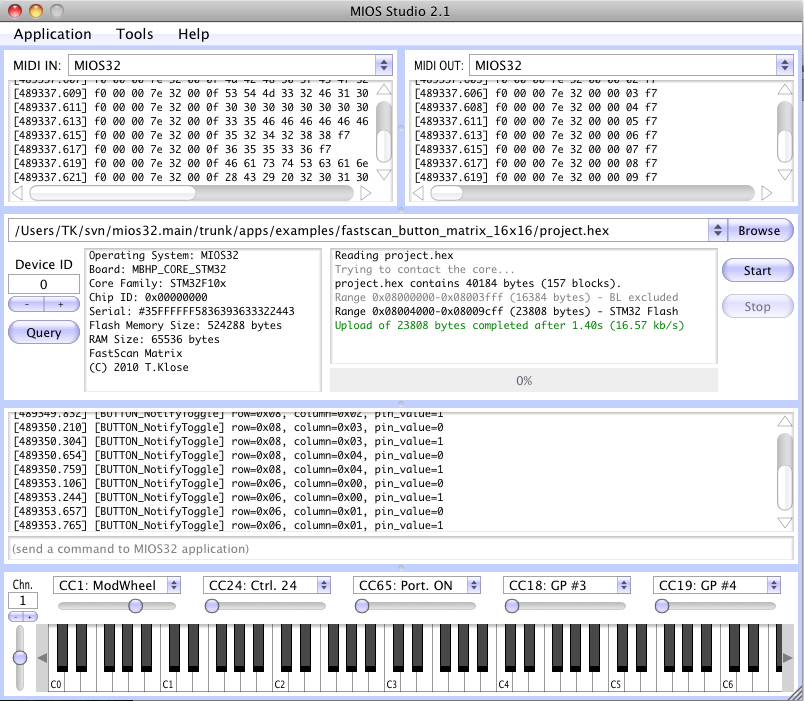
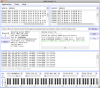
Alright, here the application: http://svnmios.midibox.org/listing.php?repname=svn.mios32&path=%2Ftrunk%2Fapps%2Fexamples%2Ffastscan_button_matrix_16x16%2F You have to update the complete repository, because I added a new switch (MIOS32_DONT_SERVICE_SRIO_SCAN) to programming_models/traditional/main.c It's set in mios32_config.h and disables the scan routine which is used by MIOS32 Instead we use our own scan routine now, In order to keep it simple, we use MIOS32_SPI_TransferByte() accesses directly without DMA and without callbacks. It's fast enough for your usecase. The TASK_MatrixScan() task handles the transfers and calls BUTTON_NotifyToggle() whenever a change on the DIN pins has been determined. This task performs the scan each mS - which means in other words, that the worst-case latency is 1 mS which should be acceptable. My scope tells me, that the 16x16 scan takes 400 uS (*), which means that the core is loaded by ca. 40% and could do (many) other things in parallel... (*) speed could be significantly improved by selecting a faster SPI clockrate, but for your usecase the current speed setting is acceptable (and it leads to more robust results!) BUTTON_NotifyToggle() will be informed about the row, column and pin_value They will be print in the MIOS terminal like shown in this example: Once we know, in which rows and columns the keyboard keys are located, a note number can be derived - either table or calculation based. But for the first experiments the debug messages will be mored helpful. unconnected pins won't cause a problem. Best Regards, Thorsten.
-
I think that the easiest way to clarify this is a small example application which is tailored for your usecase - I can program this :) But I would have to know how your keyboard is connected to the DIN/DOUT registers - did you already document this somewhere? Best Regards, Thorsten.
-
It's never to late, as we are always able to order new batches :) Current state: we got 10 black cases. Unfortunately they were a bit more expensive than expected (overall costs ca. 75 EUR per piece, this includes taxes, shipping Heidenreich->Nils, etc..) Next week I will know the costs for a batch order with >= 50 cases - they should be less expensive. Best Regards, Thorsten.
-
It's really a FAQ, just 10 days ago Therefore I updated all pages to make it clear, that components have been netlisted directly in the .brd file, and that schematics have been created with xcircuit. Best Regards, Thorsten.

-
Beta28 is available now; ChangeLog: o fixed bug in session load function which happened when no MBSEQ_GC.V4 file exists on SD Card o added new "udpmon <0..4>" terminal command which allows to monitor incoming and outgoing UDP packets, e.g. to debug OSC settings and/or to determine the port of incoming OSC packets. In MIOS Terminal, use "udpmon 3" to display all packets with port number >= 1024 o now we have a special CV configuration page which allows: - to select V/Oct, Hz/V and Inverse curve for each CV channel - the slew rate 0..255 mV for each CV channel - the pitch range (for pitchbend events) - the gate polarity for each CV channel - to calibrate each channel - to set the DIN Sync Clock PPQN Divider and Pulse Width - AOUT Module Type (previously hard-configured in MBSEQ_HW.V4 file) o each CV channel has now an own notestack. This is especially nice if AOUT channels are controlled through the MIDI Router from an external MIDI keyboard (live) [/code] Grizz: it would be very interesting if your AOUT_NG module is working with the new version, as I changed the interface timings to make transfers more robust. Go to the new CV Configuration page and select AOUT_NG (rightmost item) The new calibration feature will help you to explicitely set certain voltages for testing. It's now also possible to re-connect the module during runtime. Whenever you are doing this, select a different interface, and go back to AOUT_NG - this will re-initialize the chip Best Regards, Thorsten.
-
Instead of programming you now can spend the time for testing the new CV handler + configuration possibilities :) it's available with beta28 Best Regards, Thorsten. P.S.: Hz/V calibration isn't working properly in precompiled beta28 binary - the updated source code can be found in the repository, just recompile the application.
-
Since I need such options as well, I will add a special CV configuration menu soon. Best Regards, Thorsten.
-
No problem, but: TODO (marker) Best Regards, Thorsten.
-
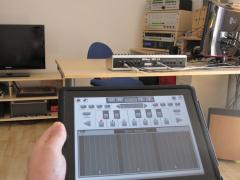
Btw.: I don't expect problems with a tablet PC :) If somebody is interested, I could release the OSC option for the virtual BLM for Mac/Windows/LInux as well Such a comparison definitely makes sense. I've the TouchOSC app already installed, could you please create the appr. layout? Feel free to define the OSC messages as you want, I'm very flexible. Best Regards, Thorsten.
-
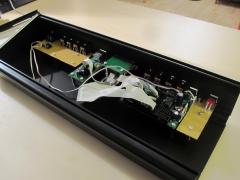
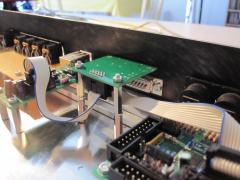
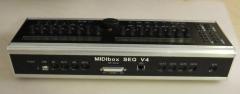
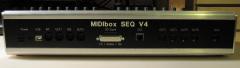
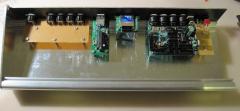
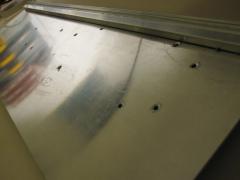
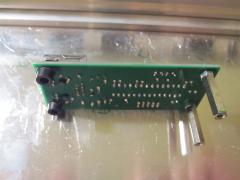
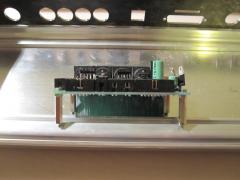
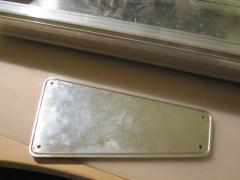
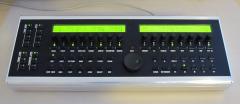
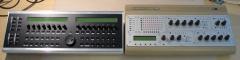
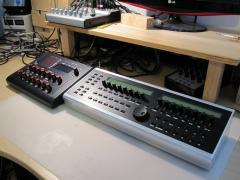
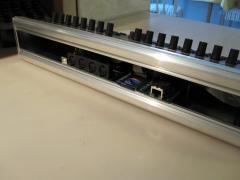
Some new pictures of the black case! :) -> http://midibox.org/forums/index.php?app=gallery&module=user&user=3436&do=view_album&album=65 We will know the final price in ca. 1..2 days Best Regards, Thorsten.
-
-
-
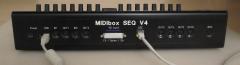
From the album: TK: MBSEQ Aluminium Case
-
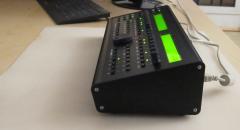
From the album: TK: MBSEQ Aluminium Case
-
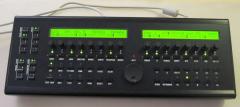
From the album: TK: MBSEQ Aluminium Case
-
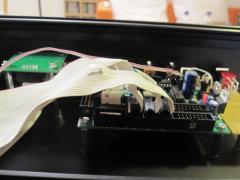
From the album: TK: MBSEQ Aluminium Case
-
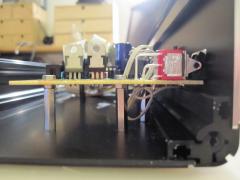
From the album: TK: MBSEQ Aluminium Case