
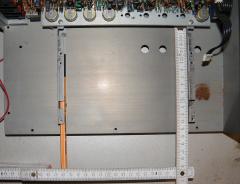
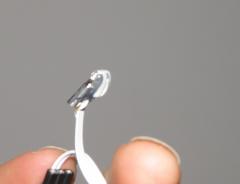
TekkStar_Make_034_UI-Program-BTN-LEDs.jpg

By Phatline
- 964 views
- View Phatline's images
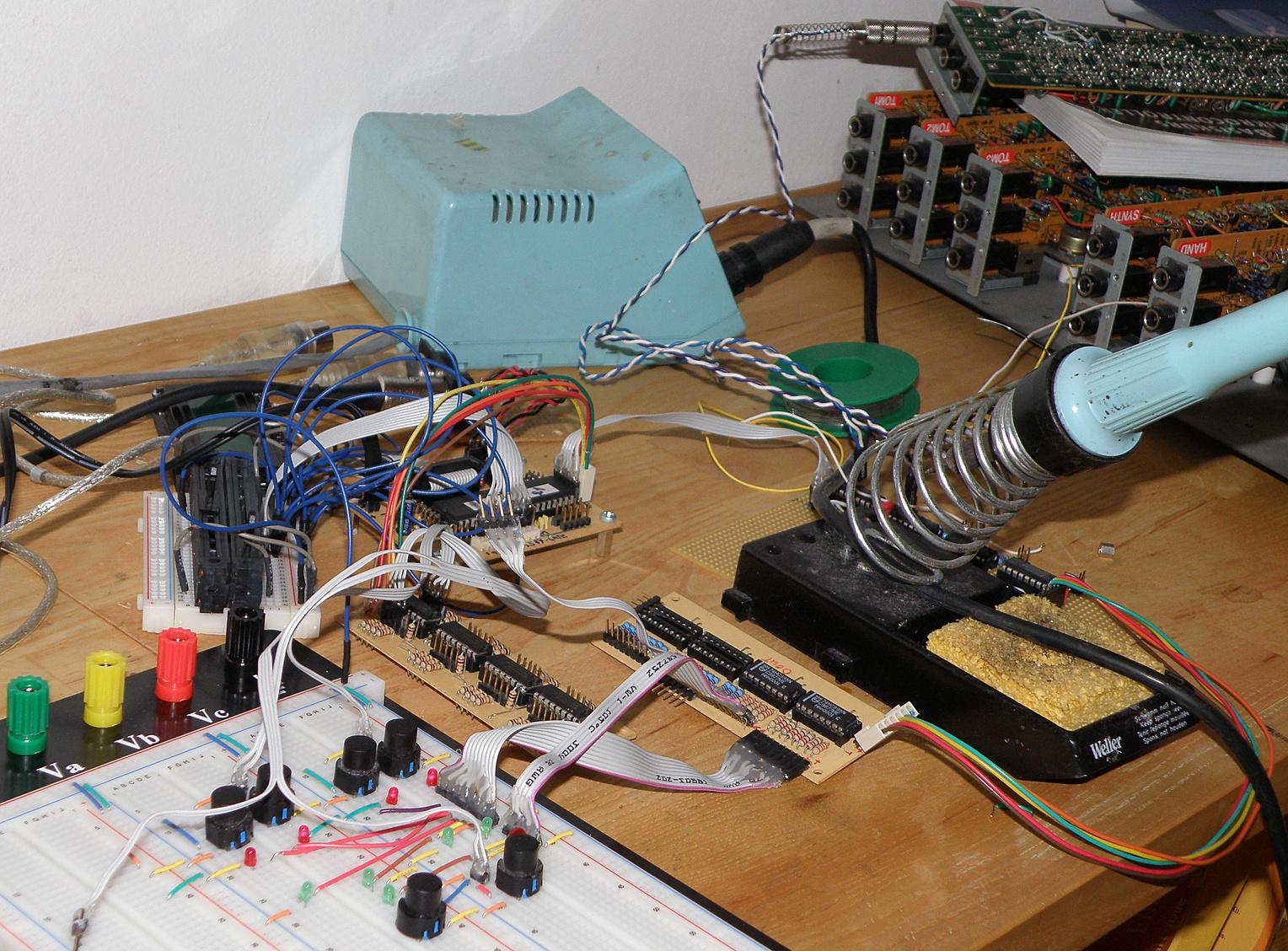
Well almost all here:
lcd for debugging
4Velocity Kill switches --- kill4 Velocity ranges, the red leds below are the toggle leds, the 4 greens indicates in which velocity ranges are most active (you can better choose the kill buttons then!(
2 Buttons under:
One: for POWER - ROLL: just take any input notes and trigger it, no matter of Note-Number (momentary)
TWo: Invert the Velocity Stages --- so what was loud is now not so loud, what not so loud now loud
From the album:
TekkStar (Tama Techstar Midification)
· 85 images- 85 images
- 0 comments
- 9 image comments
Photo Information
- Taken with OLYMPUS IMAGING CORP. SP565UZ
- Focal Length 9.3 mm
- Exposure Time 10/500
- f Aperture f/3.5
- ISO Speed 100
Recommended Comments
There are no comments to display.
Please sign in to comment
You will be able to leave a comment after signing in
Sign In Now